
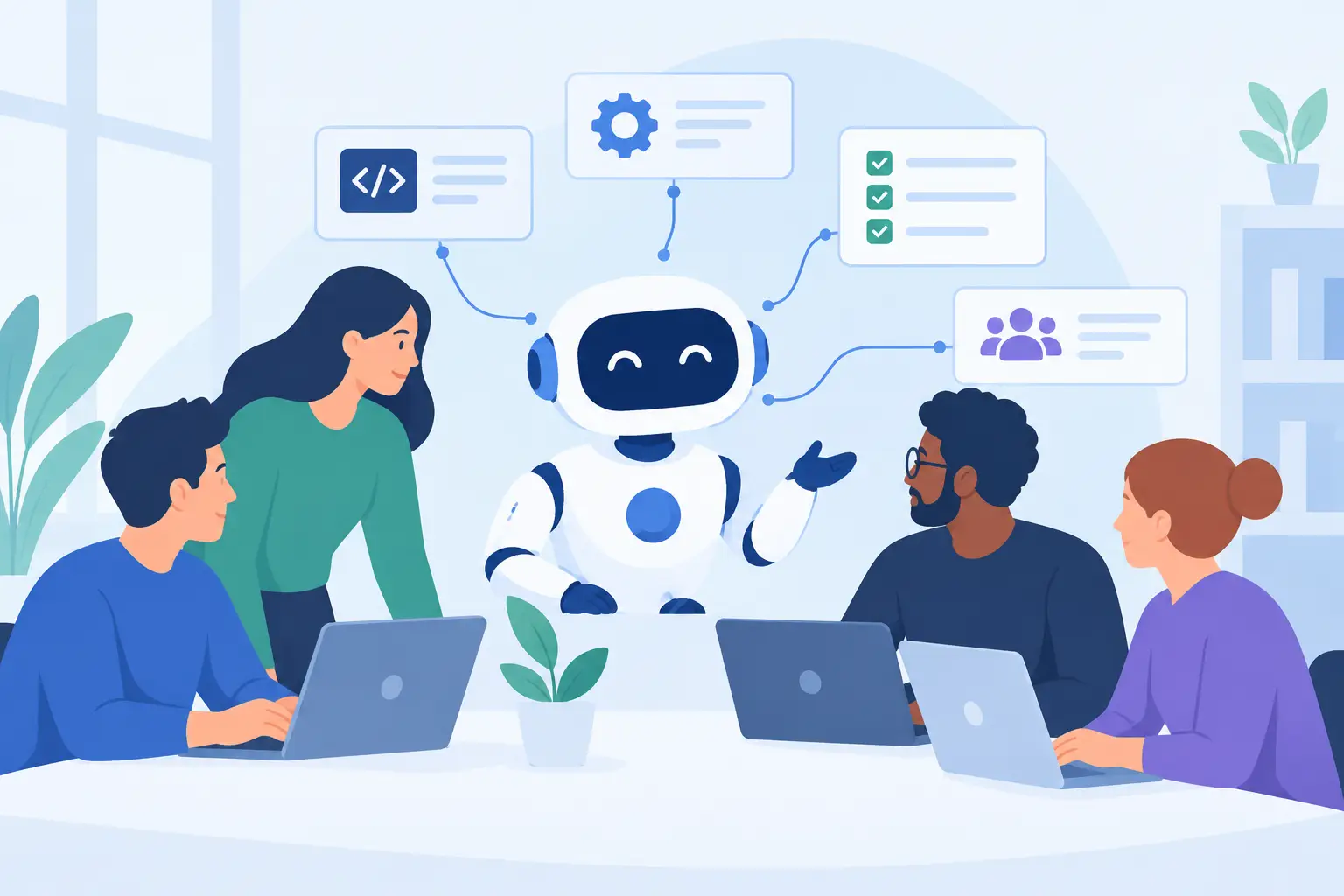
A developer asks a coding assistant to explain a failing test. An AI agent goes further: it can inspect the repository, run the test suite, review recent changes, propose a patch, and open a pull request for human approval. That difference matters. AI agents are moving generative AI from a conversational interface into an execution layer that can participate in real engineering workflows.
For software teams, the opportunity is not to replace judgment with automation. It is to reduce the repetitive coordination, investigation, and tool-switching that slows down good engineers. The challenge is that an agent with access to source code, cloud accounts, issue trackers, or production tooling can also make mistakes at machine speed. Useful adoption starts with understanding both sides of that equation.
What Are AI Agents?
An AI agent is a software system that uses an AI model to pursue a goal by reasoning over context, selecting actions, using approved tools, and evaluating results. A chatbot generally produces an answer in one interaction. An agent can perform a sequence of actions, adjust when an action fails, and continue until it reaches a stopping condition.
A typical agent combines several building blocks. The language model interprets the task and produces a plan. Tool integrations let it call APIs, search documentation, query databases, run commands, modify files, or create tickets. Memory or state preserves relevant details across steps. Finally, an orchestration layer controls the workflow, permissions, retries, time limits, and approval points.
The distinction is practical, not philosophical. If a system can only suggest a Terraform fix in a chat window, it is an assistant. If it can inspect a plan, identify a policy violation, prepare a corrected configuration, and submit it for review, it is operating as an agent.
How AI Agents Complete Work
Most useful agents follow a repeating loop: observe, decide, act, and verify. The loop may be simple for a narrow task or complex when several systems are involved.
Consider an incident-response agent assigned to investigate elevated API latency. It can collect metrics from an observability platform, compare the time window against recent deployments, inspect traces for slow dependencies, and search change records. Based on that evidence, it might recommend rolling back a release or increasing capacity. A carefully designed version could create a draft incident update and run read-only diagnostics, while leaving production changes to an on-call engineer.
This pattern explains why tool quality matters as much as model quality. An agent cannot safely troubleshoot a service if its telemetry access is incomplete, its runbooks are outdated, or its tools return ambiguous data. In many organizations, the preparation work is the real project: standardizing APIs, documenting operational procedures, and defining ownership boundaries.
Planning Is Helpful, but Not Guaranteed
Agents are often described as planners, but planning is not the same as reliable reasoning. A model may generate a convincing sequence of steps that is inappropriate for the environment. It can misunderstand an alert, choose the wrong repository, or infer a relationship that does not exist.
That is why high-value workflows need verifiable intermediate outputs. Instead of telling an agent to “fix the deployment,” ask it to identify likely causes, gather evidence, propose a change, run validations in a nonproduction environment, and wait for approval. Smaller checkpoints make failures easier to detect and audits easier to conduct.
Where AI Agents Fit in Engineering Workflows
The strongest use cases are usually bounded, repeatable processes with accessible data and clear success criteria. They are not necessarily the flashiest demos.
In development, an agent can triage bug reports, reproduce issues, search a codebase, generate test cases, and prepare pull request descriptions. It is especially effective when a team has established conventions for branches, tests, linting, and code review. Without those conventions, the agent may create output that appears productive but adds maintenance work.
In DevOps, agents can investigate failed pipelines, summarize deployment risk, compare infrastructure changes against policy, and generate remediation tasks. In security operations, they can enrich alerts with asset ownership, vulnerability context, and known indicators before an analyst reviews the case. For cloud teams, an agent can flag idle resources, explain unusual spending patterns, and prepare change requests based on tagging and budget rules.
Business-facing technical teams can also benefit. An internal platform agent might answer questions about service ownership, recommend approved templates, or guide developers through access requests. The value comes from turning scattered documentation and operational knowledge into an action-oriented experience.
The Trade-Off: Autonomy Versus Control
More autonomy can produce faster outcomes, but it also expands the blast radius. An agent that only reads logs has limited ability to cause harm. An agent that can merge code, rotate credentials, modify firewall rules, or delete cloud resources needs far stronger controls.
A useful way to design these systems is to separate actions by risk level. Low-risk actions can run automatically, such as classifying tickets, generating summaries, or opening draft pull requests. Medium-risk actions can execute with a human approval gate, such as applying a configuration change in staging. High-risk actions, including production database changes and identity-policy updates, should usually remain human-led unless the procedure is extremely constrained and proven.
Permissions should be narrow, temporary where possible, and tied to the task. Do not give an agent a broad administrator token because it is convenient during a prototype. Use service identities, scoped credentials, allowlisted tools, and environment separation. The same least-privilege principles used for CI/CD pipelines apply here.
Building AI Agents That Teams Can Trust
Trust does not come from a polished chat interface. It comes from predictable behavior, clear evidence, and the ability to stop or investigate the system when it behaves unexpectedly.
Start with one workflow where success is measurable. A good candidate might be classifying failed builds and routing them to the appropriate owner. Define the inputs, the approved data sources, the allowed actions, and the required output. Measure whether the agent reduces triage time without increasing incorrect assignments or unnecessary escalations.
Then build evaluation into the delivery process. Test agents against realistic historical cases, including incomplete tickets, conflicting documentation, unavailable tools, and misleading inputs. Track more than whether an answer sounds correct. Measure tool-call accuracy, task completion, cost per task, latency, policy violations, and the rate at which humans override recommendations.
Observability is equally important. Teams need logs that show the agent’s goal, the tools it called, the data it accessed, the actions it attempted, and why it stopped. Sensitive content may need redaction, but an opaque agent is difficult to operate in a regulated or security-conscious environment.
Treat Prompts and Tools as Production Assets
Agent instructions are not casual text. They define behavior and should be versioned, reviewed, tested, and changed through a controlled process. The same applies to tool schemas and API integrations. If a tool description is vague, the model may use it incorrectly. If an API permits an unsafe default action, the agent can amplify that weakness.
Prompt injection also deserves serious attention. An agent that reads web pages, support tickets, repositories, or documents may encounter text designed to manipulate its behavior. Treat untrusted content as data, not instructions. Isolate tool permissions, validate parameters, require confirmations for sensitive operations, and prevent external text from directly changing the agent’s system-level rules.
Choosing Between a Workflow and an Agent
Not every automation problem needs an agent. A deterministic workflow is often better when the rules are known, the inputs are structured, and the action sequence should never vary. For example, an automated deployment approval based on test results and policy checks is generally more reliable as conventional workflow automation.
Agents are more valuable when the work requires interpretation across messy, changing information. Investigating an ambiguous incident, extracting action items from scattered engineering discussions, or mapping a customer-reported issue to a likely code path are better fits. Even then, a hybrid design usually works best: deterministic systems enforce controls, while the agent handles research, synthesis, and recommendation.
The most productive teams will not treat AI agents as magic engineers or as a technology to avoid. They will treat them as a new kind of software component: capable, fallible, observable, permissioned, and designed around a specific job. Start where the feedback loop is fast and the risk is contained, then let evidence – not hype – determine how far autonomy should go.